How To Change a Bank Account in CoinSwitch?

The reason can be that your bank account is not working properly. CoinSwitch allows the user to change bank accounts. If you want to invest through another bank account then you can easily change the account. So if you want to know How To Change a Bank Account in CoinSwitch then follow the steps given in the article. And make changes securely and safely.
The coinswitch features are spot trading, futures trading etc. Can create a watchlist for a particular stock. On the homepage, different categories of crypto are also shown.
Steps To Change Bank Account in CoinSwitch:
1. Open the Coinswitch App.
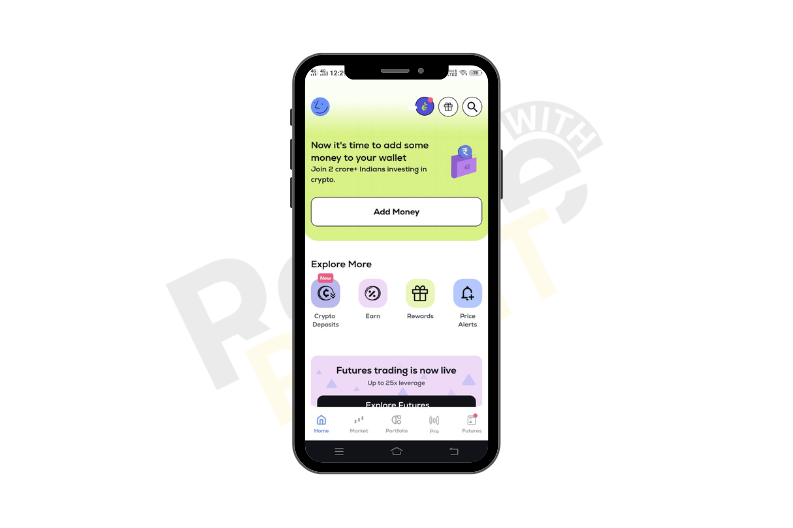 2. Tap on “Profile”.
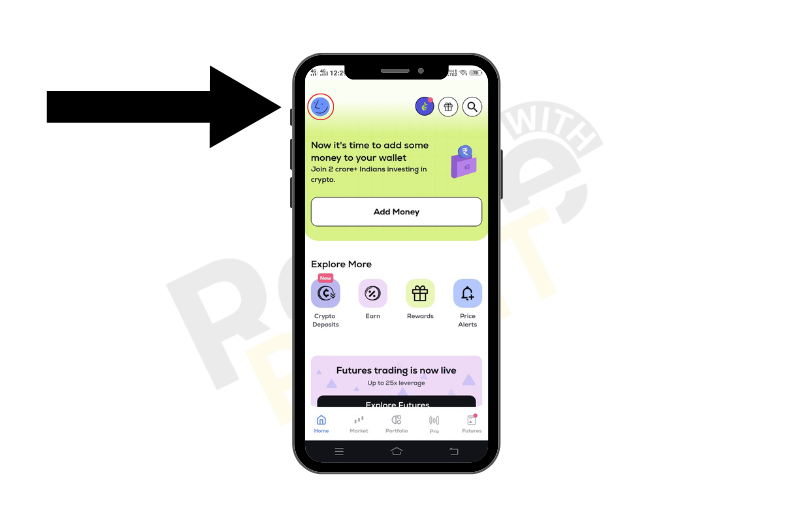 3. Under the profile section tap “Bank Details”.
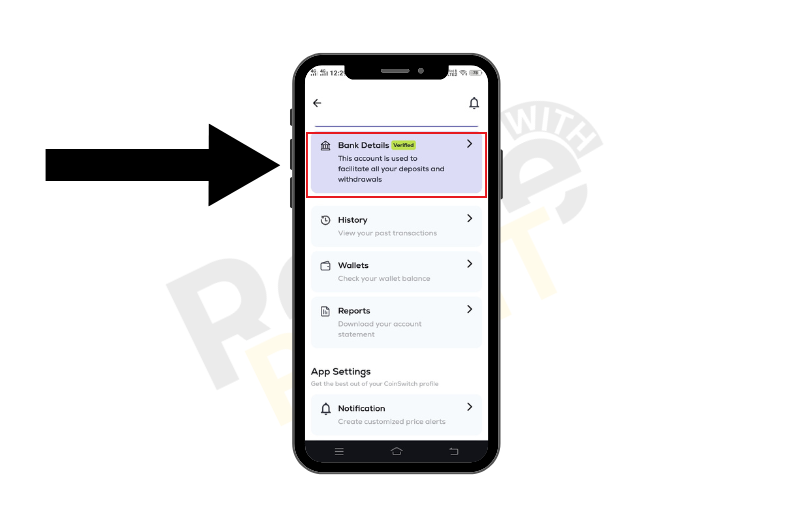 4. Bank Details will appear to tap “Edit”.
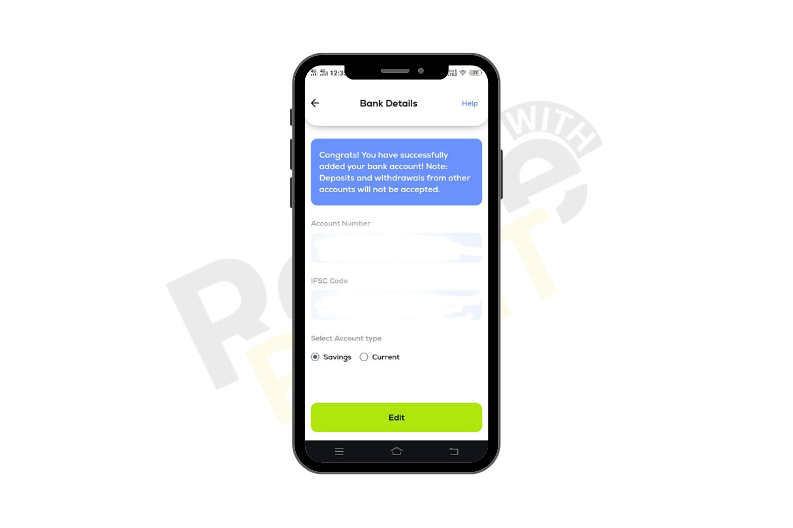
5. Now enter the bank “Account Number”, “Confirm Account Number”, and “IFSC Code” and select the account type.
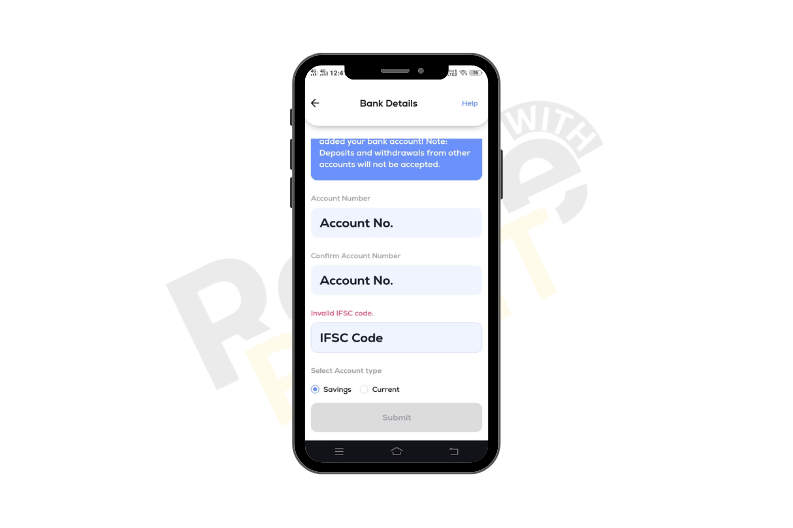 6. Click on “Submit”.
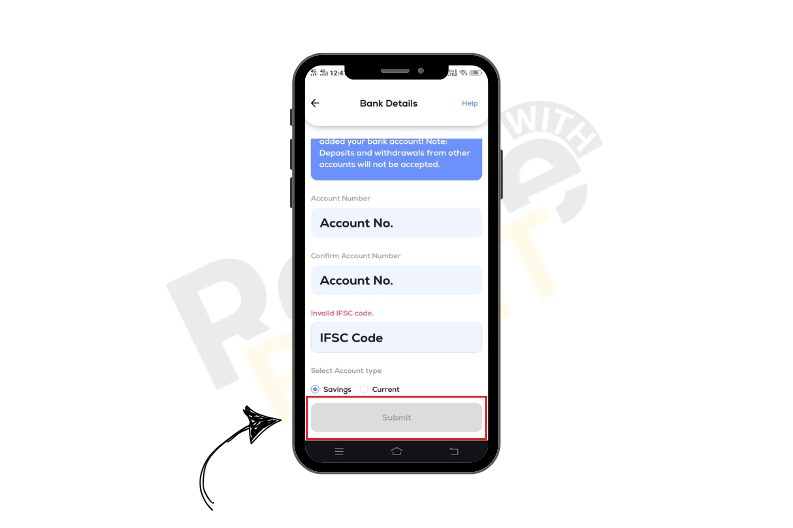 In this way, the account change is done. Also, the bank change takes place instantaneously.
Also, Check - How To Open an Account in Coinswitch.
Conclusion
Although the need to change bank accounts may vary from person to person. Along with changing banks, users can do other things as well. A user can check “History”, “Wallets”, and “Reports”. So this is How To Change a Bank Account in CoinSwitch.