How to Add Funds in Kotak Securities?

For any type of investment, there is always the need for funds. There are different trading platforms where a beginner in the share market can start investing. But here we will know How To Add Funds in Kotak Securities. So follow our simple and effective guide and add funds to your trading account.
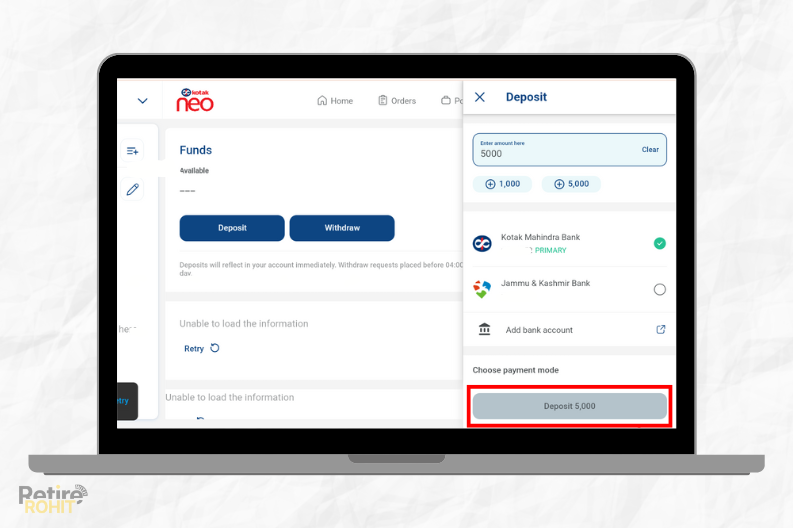
Steps To Add Funds in Kotak Securities App/Web
1. Open Kotak Neo.
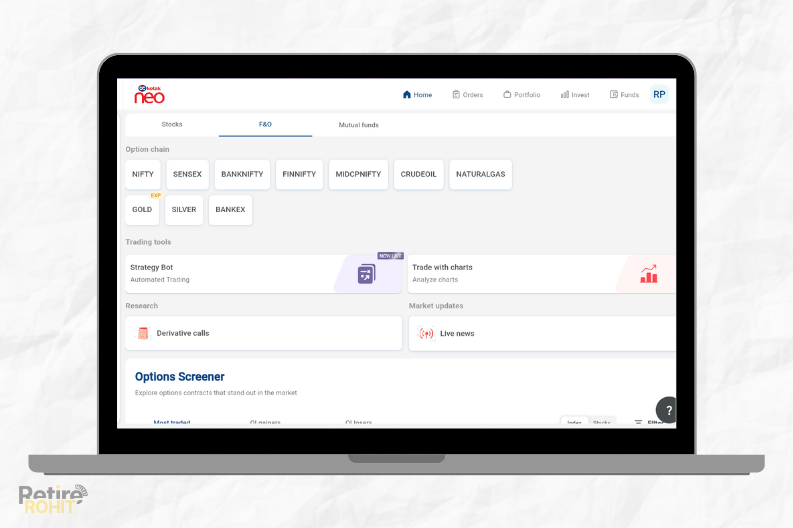
2. Click on “Funds”.
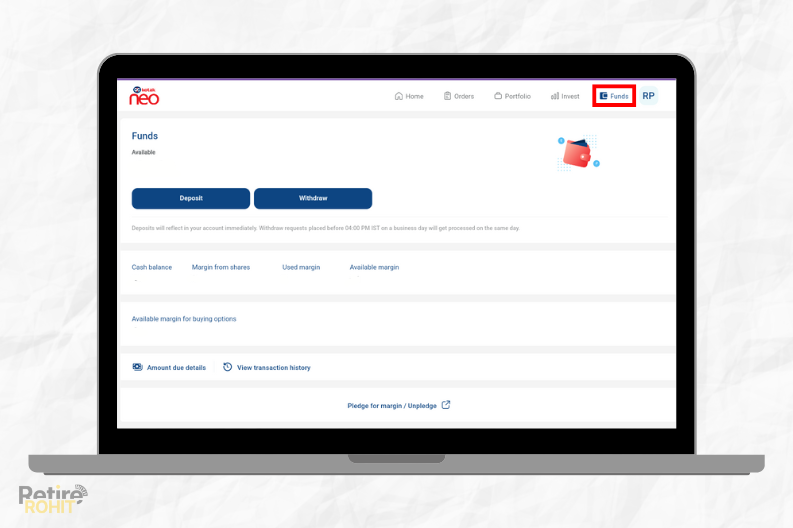 3. Click on “Deposit”.
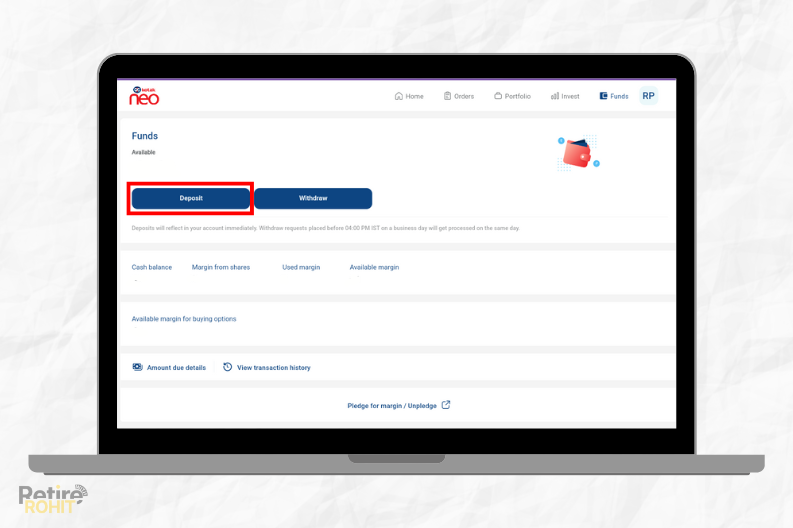
4. Choose the bank account from where you want to add funds.
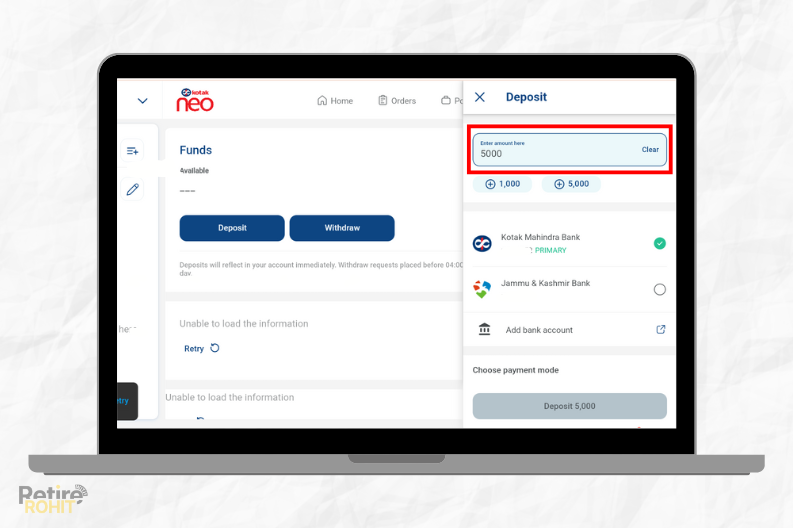
5. Click “Deposit”.
Also, Check - How to Download Kotak Mahindra Bank Statement
Conclusion
Therefore, in this way, you can add funds to the Kotak Demat Account. But for confirmation purposes, tap again on the profile and check the fund balance. Also, the demat details get stored in the CDSL.